


watsonfind.icu: read it out loud. Watson, find. I see you.
Watson is a free OSINT search tool (open-source intelligence) for Windows. It collects the trail a person leaves in public places — social networks, forums, games, developer sites — and turns it into a readable answer.
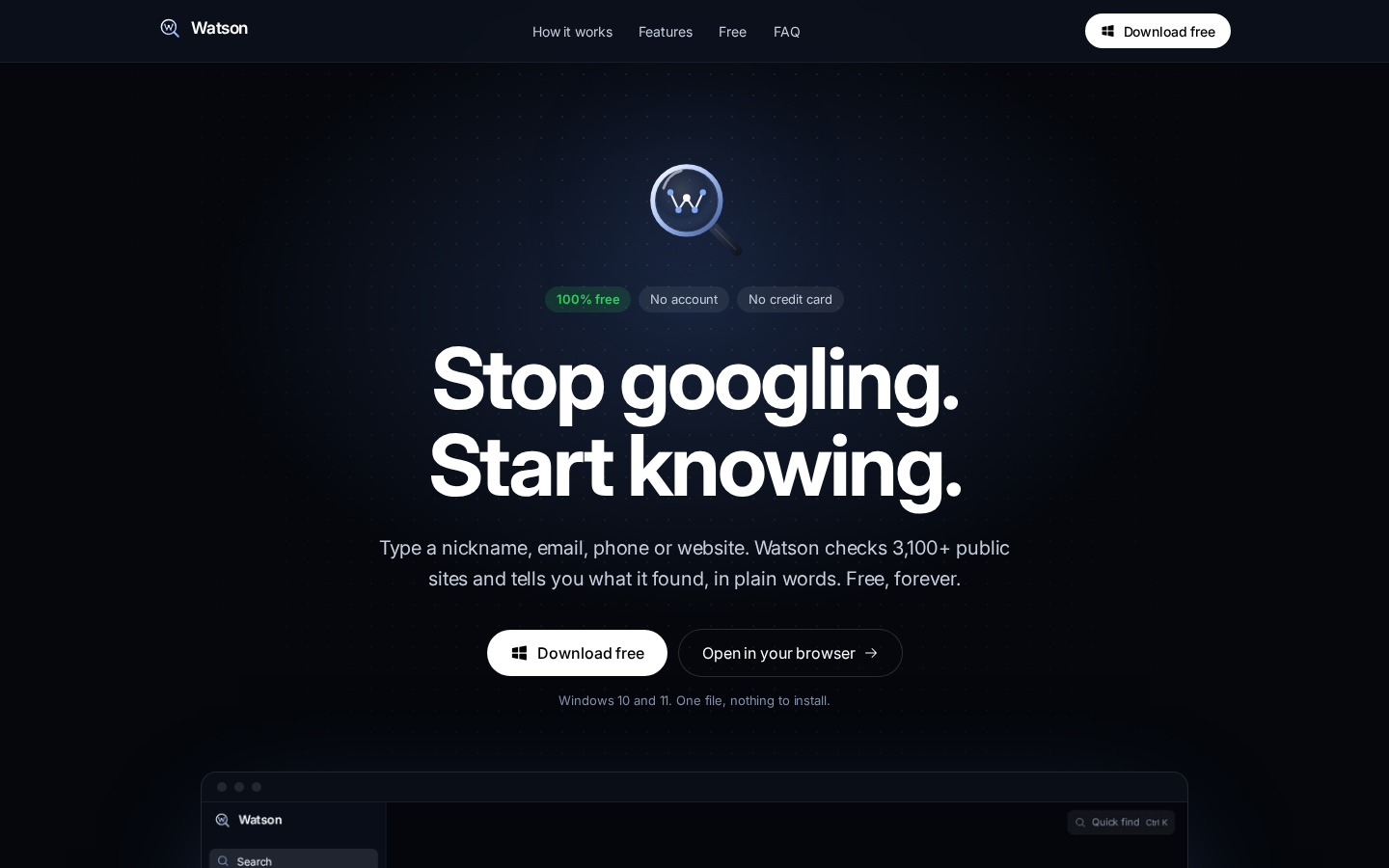
Type a nickname, email, phone number or website and Watson checks 3,100+ public sources for profiles and mentions. It's a digital footprint check, a username lookup and a social media search in one window — no terminal, no Python, no API keys.
Use it to vet sellers before you pay, check a job offer, look at a new acquaintance, or see what the internet knows about you.
Your new supplier. The guy selling you a car. The "recruiter" in your inbox. The account that keeps showing up in your comments.
The answer is already out there, scattered across 3,100+ public sites. Finding it by hand takes a weekend, a dozen browser tabs and the patience of a detective.
Watson takes one field and about 30 seconds. And it costs nothing.

| Doing it by hand | Command-line OSINT tools | Watson | |
|---|---|---|---|
| Time to first answer | Hours | Minutes, after setup | Seconds |
| Skills you need | Patience | Terminal, Python, API keys | None |
| Sites checked | As many as you can stand | Depends on the tool | 3,100+ |
| Tells you what it means | No | No | Yes, in plain words |
| Same person or same name? | You guess | You guess | Watson tells you |
| Report you can send | Copy and paste | Raw JSON | One-click PDF |
| Price | Your weekend | Paid API keys add up | $0. Forever. |
| Account | n/a | Sign-ups for every API | None |
One field. Nickname, email, phone or website. Watson works out which one you typed.
One answer. Not a wall of links. A short summary you can actually read.
One click to share. Save it as a PDF and send it to whoever needs to know.
Zero dollars. No trial, no "pro" tier, no credit card.
Tip
Watson is completely free. No subscription, no trial that runs out, no features held back for a paid plan.
There are no accounts. No sign-up, no email, no password. Download, open, search.
No setup wizard, no account, no admin rights. Download one file and open it.
Two ways, same file:
- From the website: open watsonfind.icu and click Download free.
- From GitHub: open Releases and download
Watson-1.4.0-portable.exe.
Both serve the same build — pick whichever you prefer.
Double-click the file you downloaded. If Windows shows a blue warning, click More info, then Run anyway. You only do this once.

Why does Windows warn me?
Windows shows this screen for any new app that hasn't paid for a code-signing certificate yet. It does not mean the file is harmful. Once Watson is signed, the warning goes away.
Type what you know and press Enter.


That's it. There is nothing else to learn.
Tip
No Windows? The desktop app is Windows-only for now; a Mac version may come later.
Narrow results to social networks, games, developer sites and more. Every search is saved in History, so you never lose a lead.

For bigger jobs, Cases connect everything Watson found into one map. Click any point to see what it is, why it matters and where the proof came from.

watsonfind.icu has the full tour and the download button.
 Search. One field, that's all. |
 History. Every search you've made. |
 Cases. The full map, for when it gets serious. |
 Sources. The open-source tools working for you. |
How much does it cost?
Nothing. Watson is free, with every feature included. There is no paid version.
Do I need an account?
No. There is no sign-up and no login. Your search history is saved only on your own computer.
Is this legal?
Watson only looks at information that is already public: things anyone could find with a browser and enough time. It doesn't hack, log in as anyone or buy leaked data. How you use what you find is up to you, so follow the law where you live.
Does it work on Mac?
There is no Mac download yet.
Do I need to install anything else?
No. The .exe has everything inside. Delete the file and it's gone.
The download link says 404
This repository is private. Ask the owner to add your GitHub account as a collaborator, then sign in and open the link again.
What do "Same person" and "Name match" mean?
Same person (green): the profiles link to each other or share photos and details, so they almost certainly belong to one person.
Name match (grey): only the nickname is the same. It could be someone else.
Watson is built for checking who you're dealing with: vendors, partners, sellers, job offers and your own online footprint. Don't use it to stalk, harass or threaten anyone.
Run from source, build the .exe, project layout
Node.js 22 or newer.
npm install
npm run dev
Then open http://localhost:5173.
npm run appThe site is a static landing page; the app itself lives in the desktop build:
| URL | What's there |
|---|---|
watsonfind.icu/ |
Landing page: src/pages/Landing.tsx |
dist/app.html |
The app, loaded by the Electron window |
Build it with npm run build and upload the dist/ folder to any static host. public/_redirects handles SPA fallback on Netlify and Cloudflare Pages, and vercel.json on Vercel. Point the watsonfind.icu DNS records at your host. The host must also serve the .exe at /api/download (see DOWNLOAD_URL in src/pages/Landing.tsx).
The download buttons use DOWNLOAD_URL in src/pages/Landing.tsx; on this server nginx serves the .exe from /api/download.
npm run dist:winThe file lands in release/Watson-1.4.0-portable.exe. Building on Linux works without Wine, but then the .exe keeps the default Electron file icon. Build on Windows to embed the Watson icon.
Vite, React 19, TypeScript, Tailwind CSS 4, Electron. Icons: Phosphor and Simple Icons.
| Path | What's there |
|---|---|
src/landing.tsx |
Entry for the website (index.html) |
src/app.tsx |
Entry for the desktop app (app.html) |
src/pages/Landing.tsx |
The watsonfind.icu landing page |
src/pages/app/ |
App screens: Search, Results, History, Case, Sources |
src/components/ |
Logo, glass lens, connections map, brand icons |
src/data/mock.ts |
Example data and searchProfiles(), the one function to connect real lookups to |
src/index.css |
Colors, fonts and other design tokens |
electron/main.cjs |
Desktop window |
DESIGN.md |
Design rules: colors, type, icons, voice |

watsonfind.icu. Free forever.